Scripture Lock Screen
Bible Verse Lock Screen for iPhone
Let Scripture be the first thing you see when you pick up your phone. Choose a picture, add a verse and set it as your Lock Screen.

Gallery
Lock Screen wallpaper gallery
Film-like photographs and oil paintings, each with room for the clock above and the verse in the middle.
-

Thursday, November 19
9:41
The LORD is my light and my salvation—whom shall I fear? The LORD is the stronghold of my life—whom shall I dread?
Psalm 27:1
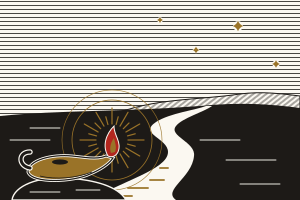
Psalm 27:1, on a clay lamp on a stone path at dusk
-

Thursday, November 19
9:41
“Be still and know that I am God; I will be exalted among the nations, I will be exalted over the earth.”
Psalm 46:10
Psalm 46:10, on the Sea of Galilee before dawn
-
Thursday, November 19
9:41
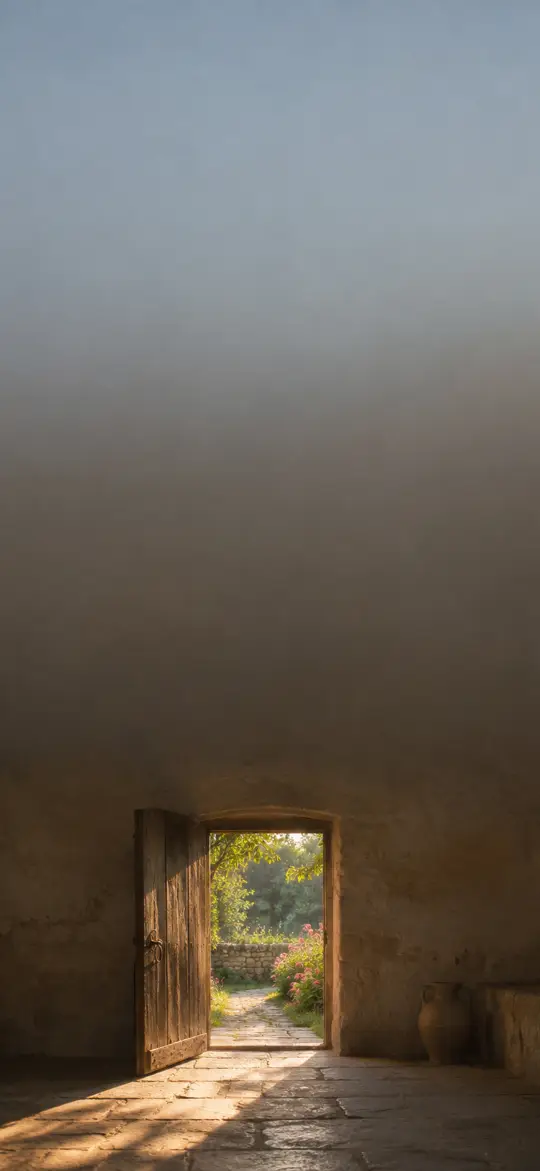
I can do all things through Christ who gives me strength.
Philippians 4:13
Philippians 4:13, on an open door onto a sunlit garden
-
Thursday, November 19
9:41
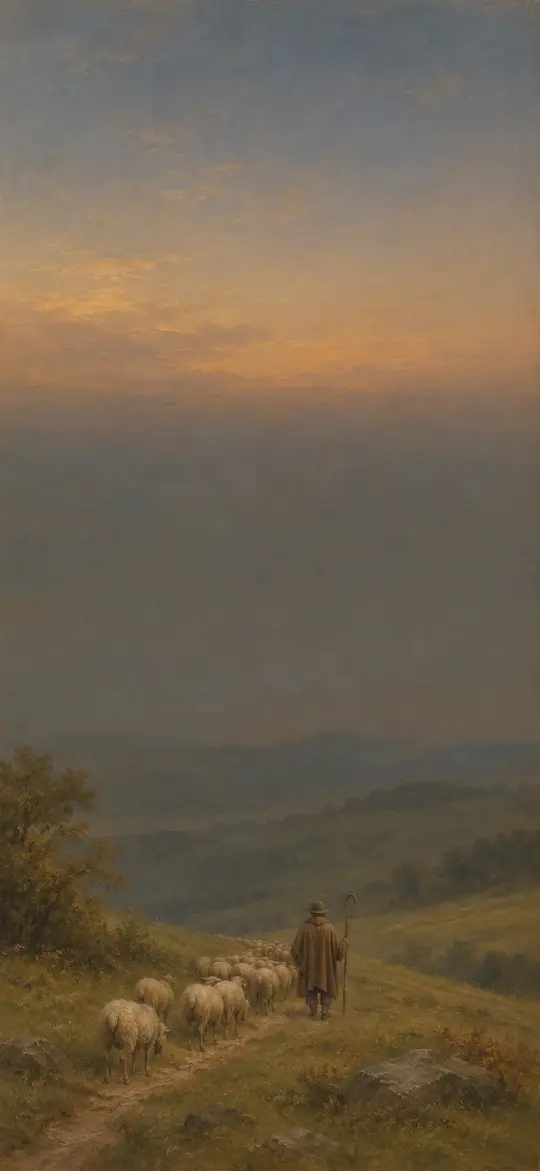
The LORD is my shepherd; I shall not want.
Psalm 23:1
Psalm 23:1, on an oil painting of a shepherd leading his flock at dusk
-

Thursday, November 19
9:41
Trust in the LORD with all your heart, and lean not on your own understanding;
Proverbs 3:5
Proverbs 3:5, on an oil painting of a tree by a stream
-

Thursday, November 19
9:41
Peace I leave with you; My peace I give to you. I do not give to you as the world gives. Do not let your hearts be troubled; do not be afraid.
John 14:27
John 14:27, on a calm stream through a green pasture
How to
How to set a Bible verse as your Lock Screen
Three steps, from a picture to your Lock Screen.
- 1
Choose a picture
In Verse’s Create tab, choose a background: a film-like photograph, an oil painting, an engraving or plain paper.
- 2
Add a verse
Add today’s verse, a new one every day, one verse you choose, or none. Preview it with the clock and widgets.
- 3
Set it as your Lock Screen
Tap Save to Photos. Touch and hold your Lock Screen, tap +, choose Photos and pick the newest picture in Recents.
Or a widget
A Bible verse widget under the clock

Thursday, November 19
9:41
Isaiah 41:10
Do not fear, for I am with you; do not be afraid, for I am your God. I will strengthen you; I will surely help you; I will uphold you with My righteous right hand.
Keep the wallpaper you love and add the Verse widget instead. It sits under the clock and shows the verse of the day, your starred verses or one verse you choose.
Touch and hold your Lock Screen, tap Customize, tap the space under the clock and choose Verse.
How the widget worksWhy
Benefits of a Scripture Lock Screen
-
See Scripture first
Your Lock Screen is the first thing you see when you pick up your phone. With a verse there, Scripture greets you before your notifications do.
-
Remember it without trying
Every glance is one more reading of the same words. Over a week, a verse you see each day begins to stay.
-
A pause, not a scroll
When you reach for your phone out of habit, a verse can turn the moment into prayer.
-
Always there
No app to open and no page to find. The verse is ready whenever you need encouragement.
A daily reminder
Bible verse Lock Screen: your daily reminder of faith
A Bible verse Lock Screen is one of the simplest ways to keep Scripture in front of you. You already pick up your phone many times a day, so let each glance be a moment of encouragement. A Christian Lock Screen replaces a picture that only fills space with words that feed your spirit.
Scripture Lock Screen for iPhone
Since iOS 16, the iPhone Lock Screen can hold a photo, a clock and widgets together. Verse lets you preview your Scripture Lock Screen with the clock and widgets before you save it, so the verse stays easy to read.
Christian Lock Screen wallpapers that inspire
The best Christian Lock Screen wallpapers are calm. A quiet sky, still water or a lamp in the dark leaves room for the words. In Verse you can choose a film-like photograph, an oil painting, an engraving or plain paper, so your Lock Screen Bible verse wallpaper suits you.
Why a Bible verse on your Lock Screen works
We remember what we see again and again. A verse on your Lock Screen puts the same words in front of you again and again, all through the day. Tap the gold star on a verse in Verse and it also comes back on your widget, in notifications and in the feed until you know it.
Choose a verse that speaks to where you are right now. Live with it for a week and see how it shapes your days. If you need a place to start, try these short verses to memorize.
FAQ
About Bible verse Lock Screens
How do I put a Bible verse on my Lock Screen?
Make a wallpaper in Verse’s Create tab and save it to Photos. Then touch and hold your Lock Screen, tap +, choose Photos and pick the newest picture in Recents. Or add the Verse widget: touch and hold your Lock Screen, tap Customize, tap the space under the clock and choose Verse.
Can my Lock Screen show a new verse every day?
Yes, two ways. Choose “a new one every day” when you make a wallpaper, and Verse saves seven wallpapers for a Photo Shuffle. Or add the Verse widget set to the verse of the day, which changes every morning.
Will the verse cover the clock?
Verse shows you the wallpaper with the clock and widgets before you save it, so you can see how it will look on your phone.
Can I download these Lock Screen wallpapers?
The pictures on this page are made in the Verse app. Choose one there, add your verse and save it to Photos.
Which Bible translation is used?
Every verse is quoted word for word from the Berean Standard Bible (BSB), a modern, readable translation in the public domain.