Bible verse wallpaper
Bible Verse Wallpaper for iPhone
Make your Lock Screen a daily reminder of God’s word. Choose a picture, add a verse and set it as your wallpaper, all in the Verse app.

Styles
Bible verse wallpapers by style
A few of the pictures you can choose in Verse, each with a verse from the Berean Standard Bible.
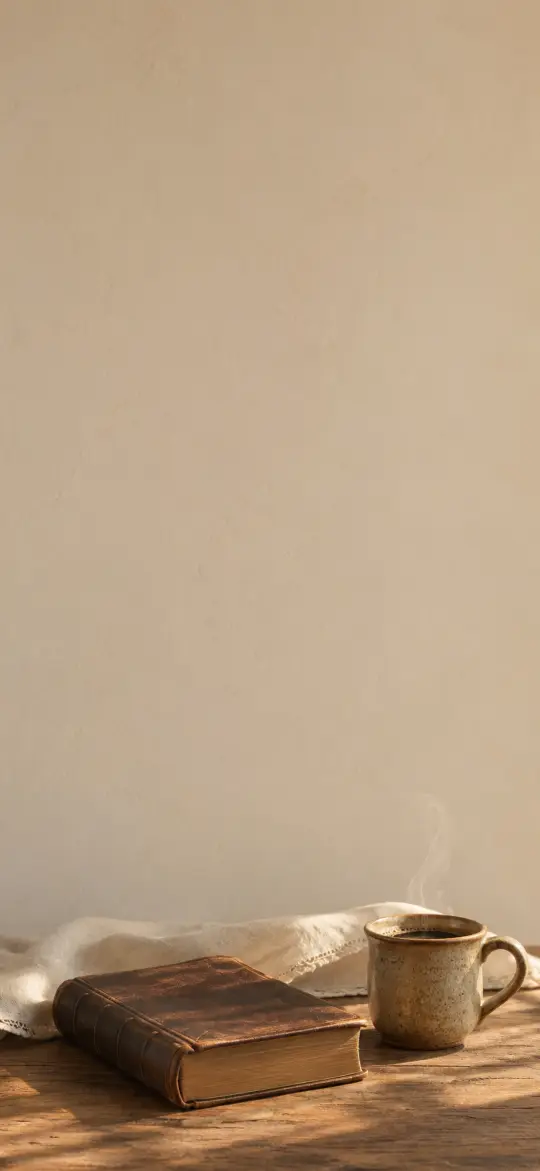
Aesthetic and minimalist
Soft morning light and quiet rooms, with plenty of space around the words. See more
-
Thursday, November 19
9:41
They are new every morning; great is Your faithfulness!
Lamentations 3:23
-
Thursday, November 19
9:41
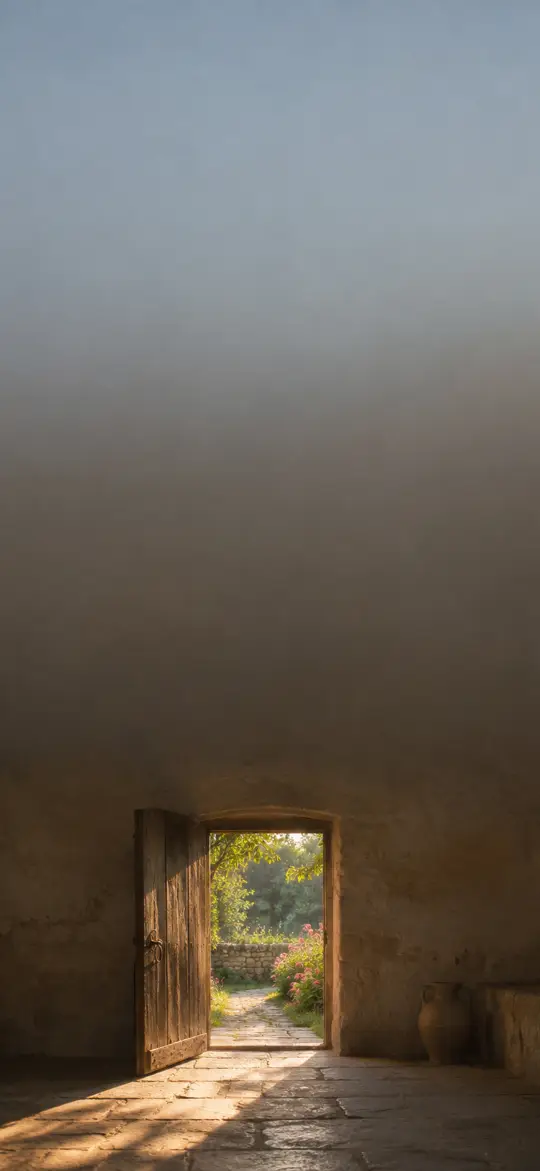
Strength and honor are her clothing, and she can laugh at the days to come.
Proverbs 31:25
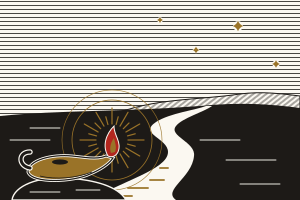
Dark and black
Night skies and deep shadow, easy on the eyes when you wake your phone in the dark.
-
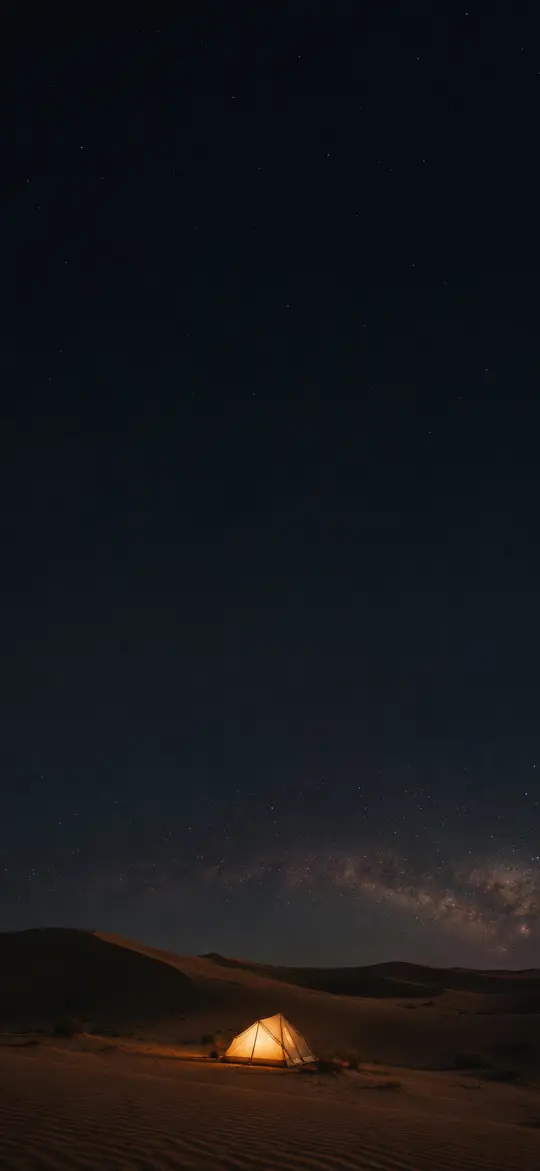
Thursday, November 19
9:41
I can do all things through Christ who gives me strength.
Philippians 4:13
-
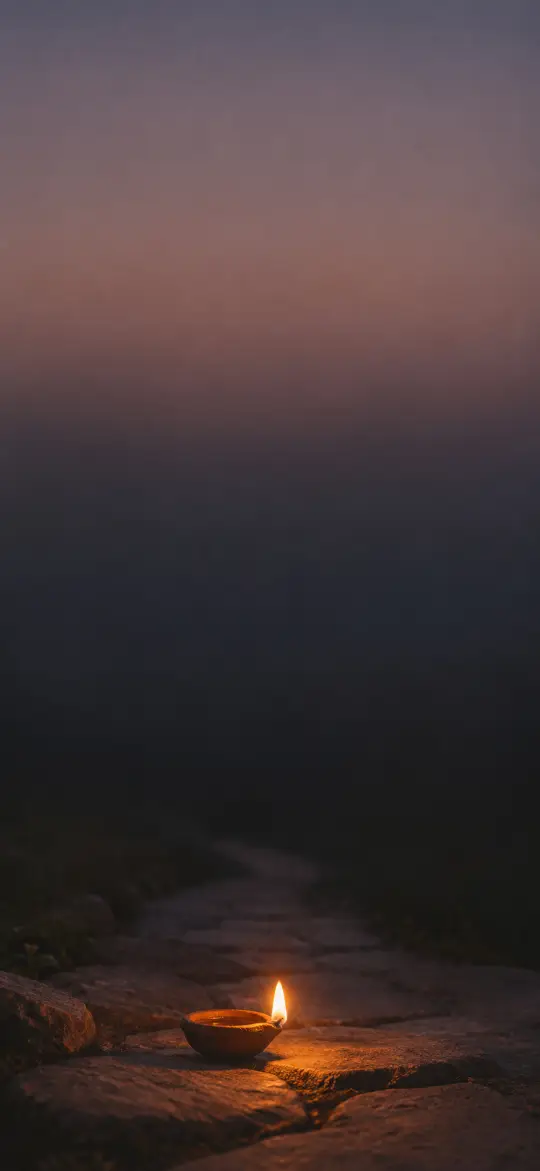
Thursday, November 19
9:41
For You, O LORD, light my lamp; my God lights up my darkness.
Psalm 18:28
Nature
Fields at harvest and old olive trees, the land the Bible was written in.
-
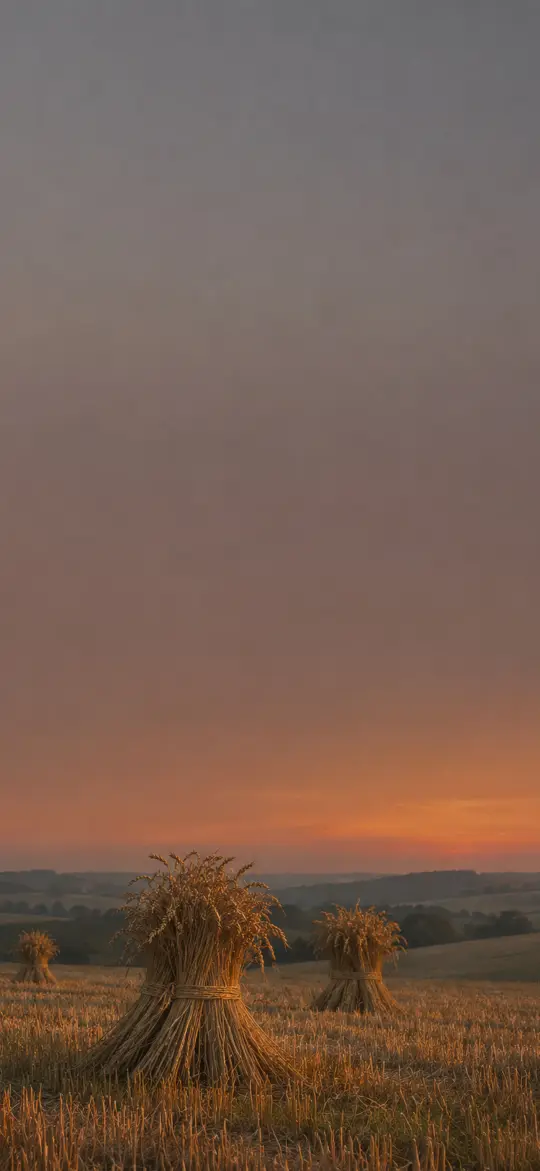
Thursday, November 19
9:41
And why do you worry about clothes? Consider how the lilies of the field grow: They do not labor or spin.
Matthew 6:28
-
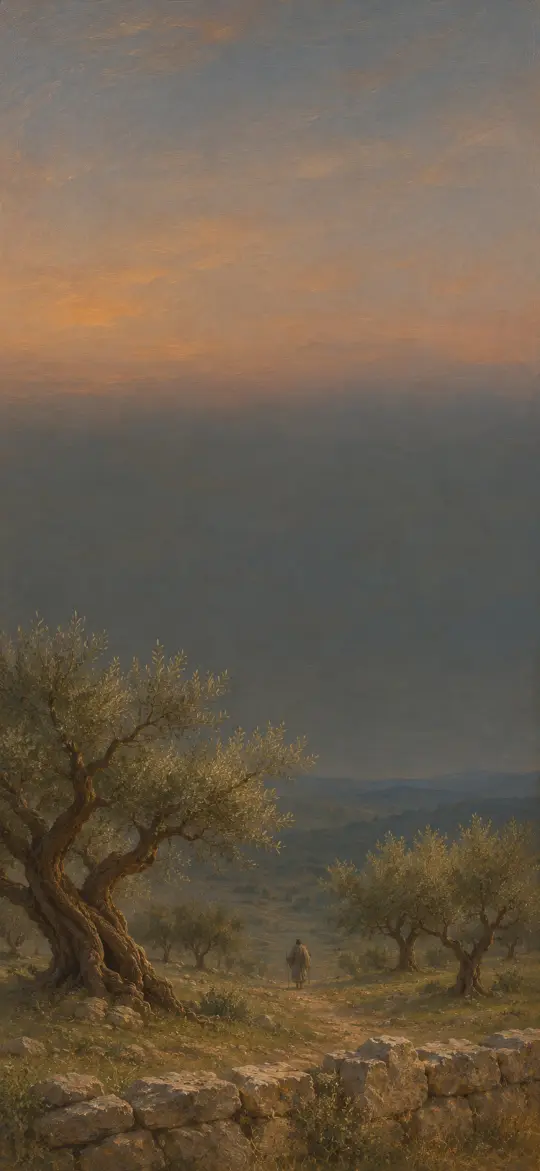
Thursday, November 19
9:41
Guard your heart with all diligence, for from it flow springs of life.
Proverbs 4:23
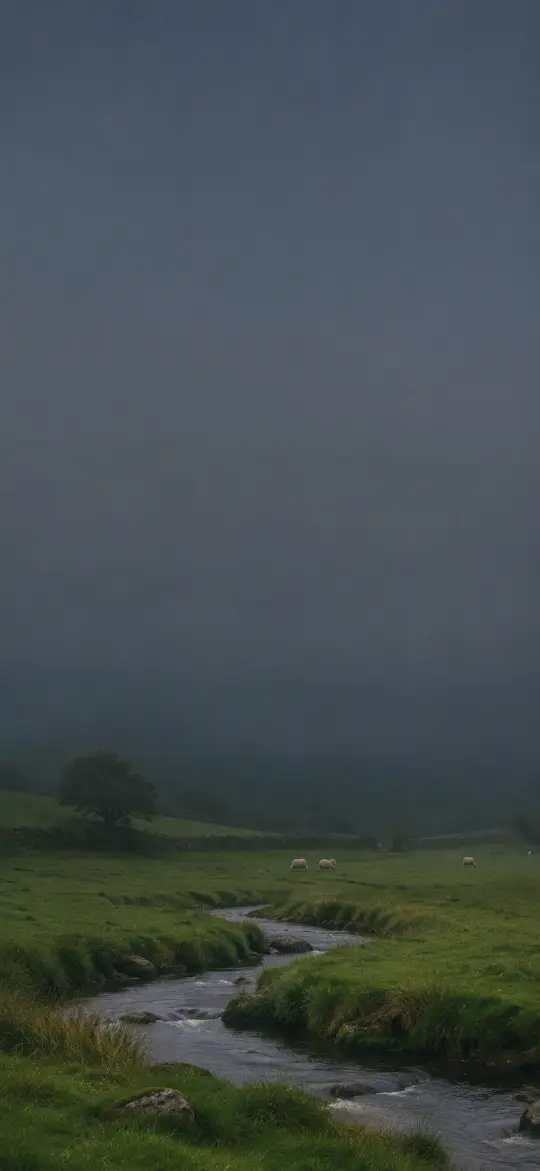
Calm water
Still lakes and quiet streams in blue and green, for a peaceful Lock Screen.
-

Thursday, November 19
9:41
“Be still and know that I am God; I will be exalted among the nations, I will be exalted over the earth.”
Psalm 46:10
-
Thursday, November 19
9:41
He makes me lie down in green pastures; He leads me beside quiet waters.
Psalm 23:2
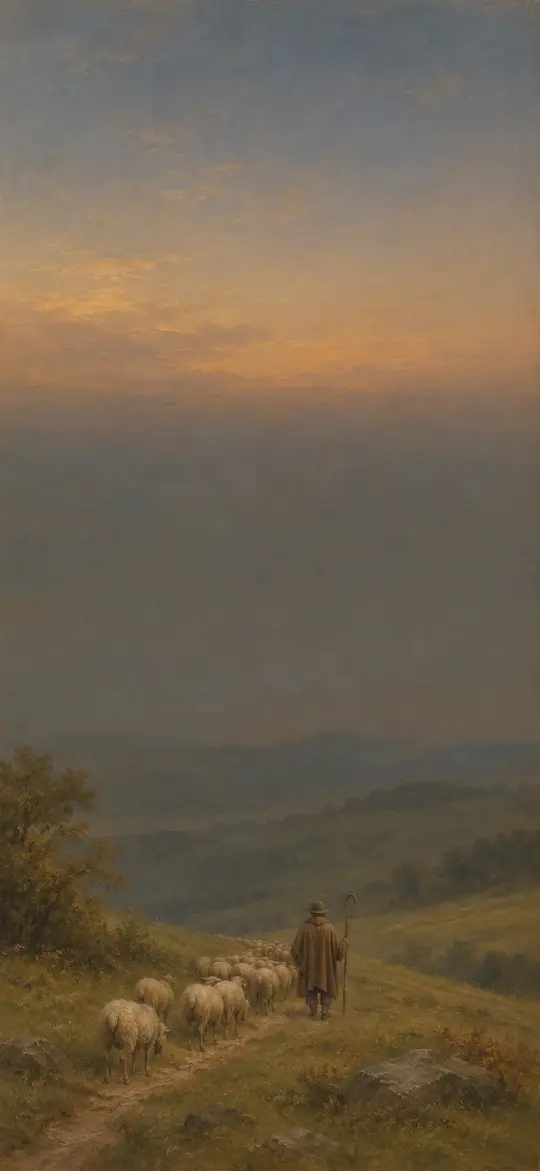
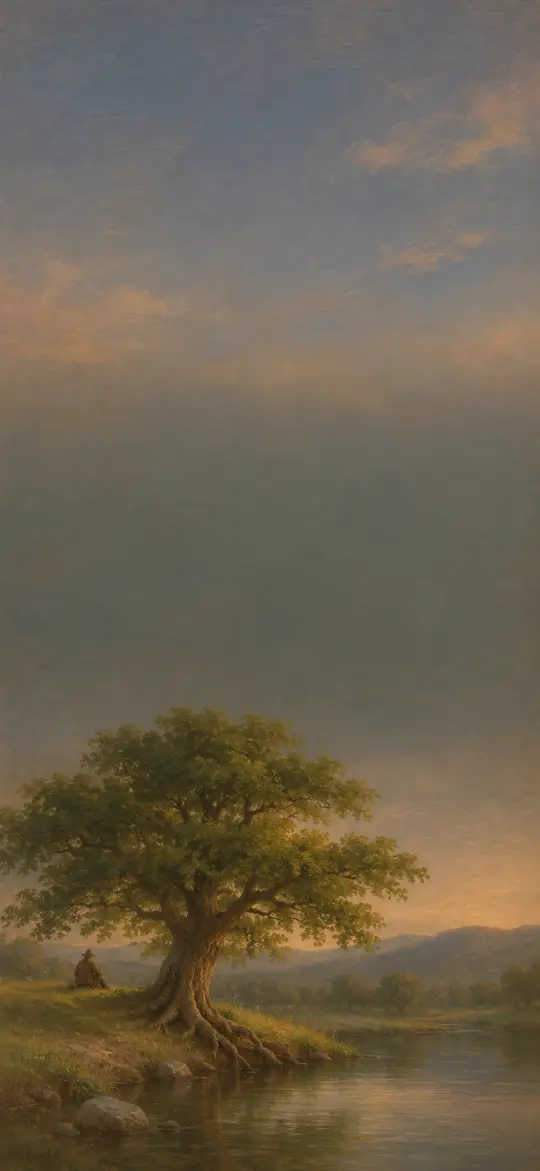
Oil paintings
Landscapes in the manner of 19th-century painting, with warm light and earth colours.
-
Thursday, November 19
9:41
The LORD is my shepherd; I shall not want.
Psalm 23:1
-
Thursday, November 19
9:41
Trust in the LORD with all your heart, and lean not on your own understanding;
Proverbs 3:5
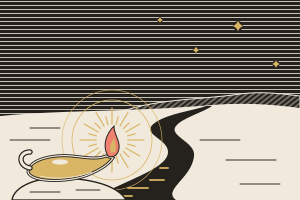
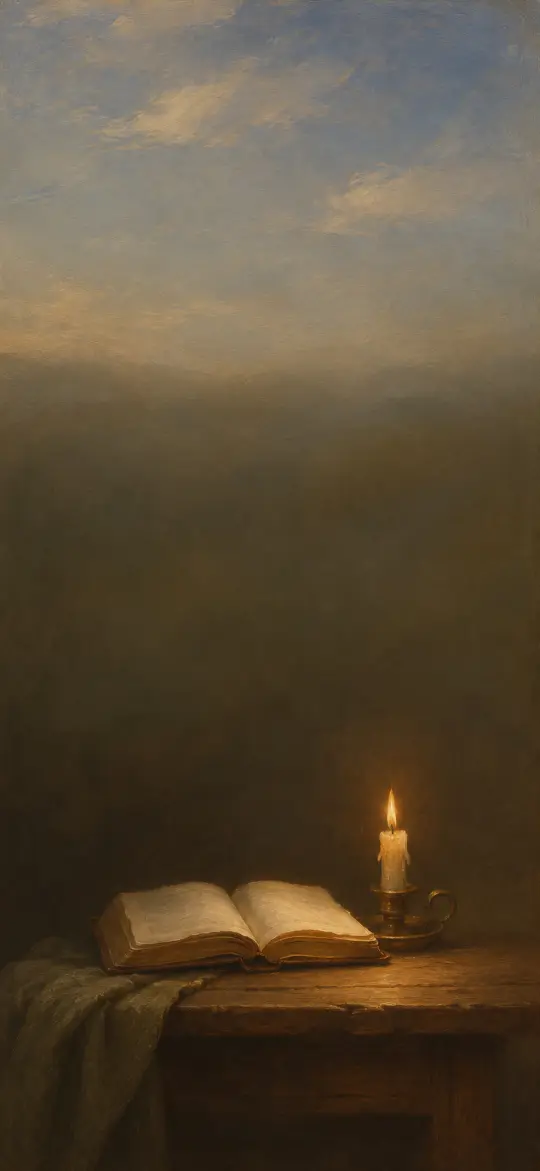
Warm light
Candlelight and lit windows on a winter evening, a glow in the dark.
-
Thursday, November 19
9:41
For I know the plans I have for you, declares the LORD, plans to prosper you and not to harm you, to give you a future and a hope.
Jeremiah 29:11
-
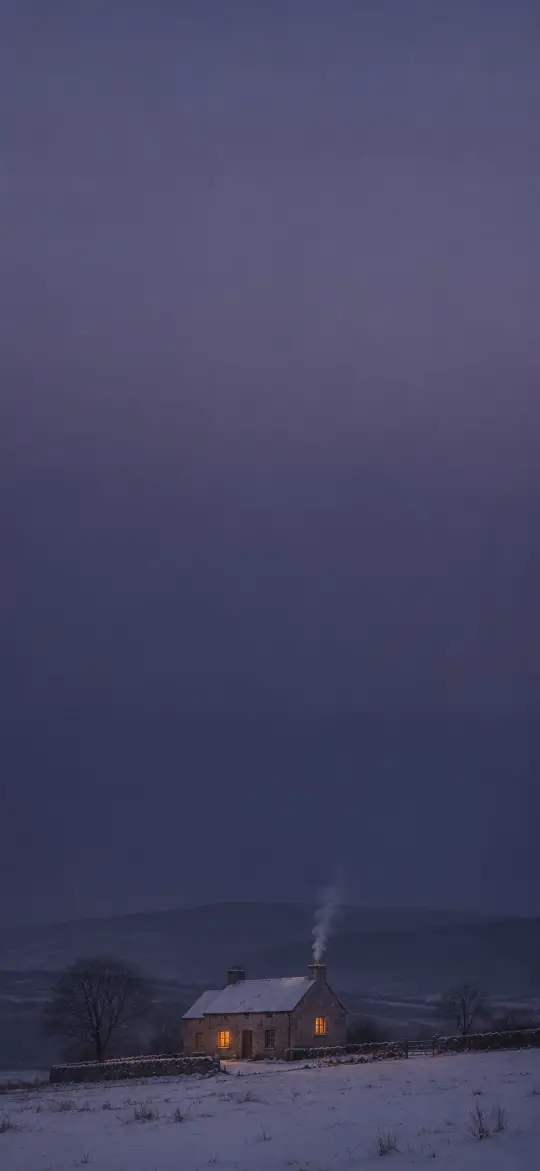
Thursday, November 19
9:41
Peace I leave with you; My peace I give to you. I do not give to you as the world gives. Do not let your hearts be troubled; do not be afraid.
John 14:27
In Verse
What you choose when you make a wallpaper
-
A background
A film-like photograph, an oil painting, an engraving or plain paper.
-
A verse
Today’s verse, a new one every day, one verse you choose, or no verse at all.
-
A preview
See the wallpaper with the clock and widgets before you save it.
-
A week of verses
Choose a new one every day and Verse saves seven wallpapers for a Photo Shuffle.
How to
How to set a Bible verse wallpaper on iPhone
From a picture to your Lock Screen, in the Verse app.
- 1
Choose a background
Open Verse’s Create tab and pick a film-like photograph, an oil painting, an engraving or plain paper.
- 2
Add your verse
Add today’s verse, a new one every day, or one verse you love. Preview it with the clock and widgets.
- 3
Save and set it
Tap Save to Photos. Then touch and hold your Lock Screen, tap +, choose Photos and pick the newest picture in Recents.
Why
Why Bible verse wallpapers work
You see your Lock Screen more than almost anything else in your day. A verse there is read again every time you pick up your phone, without any effort. Over a week, words you see that often begin to stay with you.
A wallpaper also works well with the rest of Verse. Star a verse in the feed and it comes back on your widget, in notifications and in the feed until you know it by heart.
Encouragement
Bible verse wallpapers for daily encouragement
A Bible verse wallpaper turns the screen you unlock many times a day into a quiet moment of reflection. Whether you like a Christian Lock Screen with a photograph or a painting behind your favourite passage, the aim is the same: keep Scripture in sight without adding noise to your day.
Christian wallpaper for iPhone
Looking for a Christian wallpaper for iPhone? Verse makes each Bible verse phone wallpaper on your phone. You pick the picture and the verse, preview it with the clock and widgets, and save it to Photos, ready to set as your Lock Screen.
Aesthetic and minimalist Bible verse wallpapers
Aesthetic Bible verse wallpapers let the verse breathe: a calm picture, a few words, nothing more. Plain paper is the most minimal choice of all. See aesthetic Bible verse wallpapers for the looks.
Bible verse desktop wallpaper
Verse makes wallpapers for the iPhone, shaped for a phone held upright, so they are not made for a computer screen. For your desk, keep a verse close another way: a widget on your phone beside you, or a card with today’s verse written by hand.
Nature Bible verse backgrounds
Fields, olive trees, still water and night skies bring the beauty of creation to your phone. These biblical wallpapers carry the feel of the land where the Bible was written, and suit every season.
Start with a verse that already means something to you. A beautiful picture helps, but a verse that speaks to your life is what keeps a wallpaper on your screen for months instead of days.
FAQ
About Bible verse wallpapers
Can I download these Bible verse wallpapers?
The pictures on this page are made in the Verse app rather than downloaded from the web. Choose a background in the Create tab, add a verse and save the wallpaper to Photos.
How do I set a Bible verse wallpaper on my iPhone?
Verse saves the wallpaper to Recents in Photos and shows you the steps: touch and hold your Lock Screen, tap +, choose Photos and pick the newest picture. For the Home Screen, choose a blur or a colour so the verse stays on the Lock Screen.
Can my wallpaper show a new verse every day?
Yes. Choose “a new one every day” and Verse saves seven wallpapers to Photos. Set them up as a Photo Shuffle and your Lock Screen changes through the week.
Is Verse free?
Verse is free to download. The Verses feed, Go deeper and the verses sent through your day are free for everyone. Making wallpapers and widgets in the Create tab is part of the Verse subscription, which you can try free for 7 days when you first open the app. A wallpaper you have saved keeps working either way.
Which Bible translation do the wallpapers use?
Every verse is quoted word for word from the Berean Standard Bible (BSB), a modern, readable translation in the public domain.